Public demo
Try Oscar
A fictional rescue centre with incidents, rosters, trainee placements and activities – full admin rights, no invitation needed.
Demo access
Sign in with this email address and enter the code when asked – or just click “Als Demo-Admin anmelden” (sign in as demo admin) in the app.
- demo@demo.invalid
- Code
- 123456
In the browser
- 1Open the web app.
- 2Click “Als Demo-Admin anmelden”, or enter the email and code shown above.
- 3Under “Einsätze” (incidents), click “Demo-Alarm auslösen” to trigger an alarm, then watch the list, the map and the kiosk board.
Good to know
The app is in German
This website is available in German, French and English. The app itself is currently available in German only.
Reset every night
All demo data is reset every night at 03:00 Luxembourg time. You will need to sign in again afterwards.
Shared data
Every visitor uses the same demo, so others can see your changes. Please don't enter real personal data.
Some actions are disabled
Creating users, changing email addresses and generating access tokens are disabled in the demo. No emails are sent.
In the iOS or Android app
Add this server in the app:
https://api.demo.kn0x.tech- 1On first launch: tap the server step on the sign-in screen.
- 2Enter the server address and tap “Server prüfen” (check server).
- 3Tap “Als Demo-Admin anmelden”.
Already signed in to another server?
Go to Einstellungen → Konten → “Server hinzufügen” (Settings → Accounts → Add server) and follow the same steps.
The apps are coming soon to the App Store and Google Play. Push notifications are switched off in the demo – refresh the list to see new alarms.
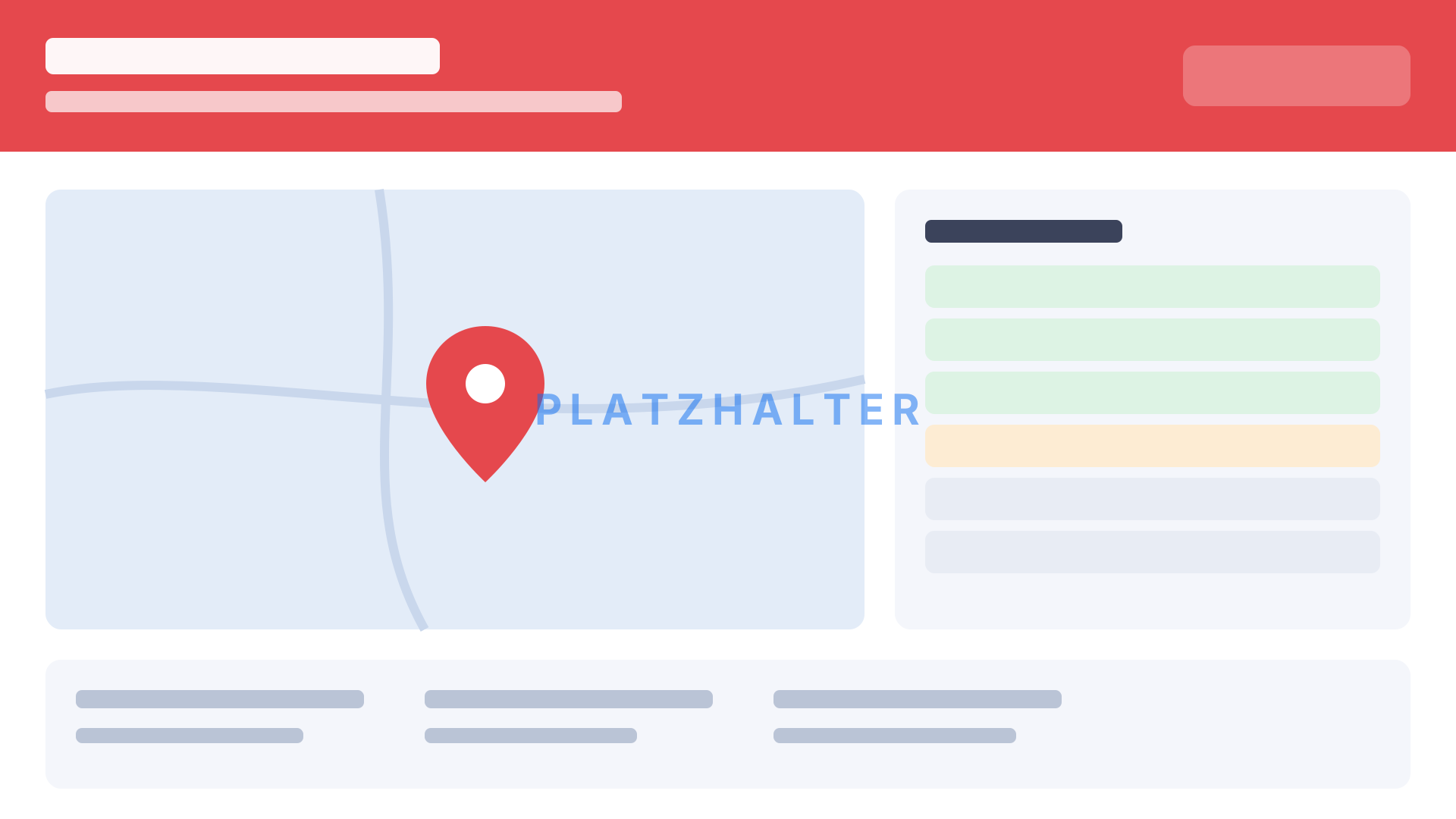
Kiosk board
This is what a wall display at the station looks like. Open it in a second window, then trigger an alarm from the web app.
View the kiosk boardAll people, places and incidents in the demo are fictional.